$12.5/mo
2.6M
Rebecca Goodwin
@beckymil911 · Chesterfield
RedheadAlternative
Redhead OnlyFans creators include natural gingers, auburn brunettes with red tones and bold dyed shades. Search them by price, body type, tattoos and style, then check activity and pricing on each page before subscribing.
@beckymil911 · Chesterfield
@ohitsemmarose · Las Vegas
@isla-moon · Canada
@jessiebuns · England
@ellyclutch · In your dreams 💕
@amygingerhart · Ecstasy
@bellegrace · UK
@britishminx · middle earth
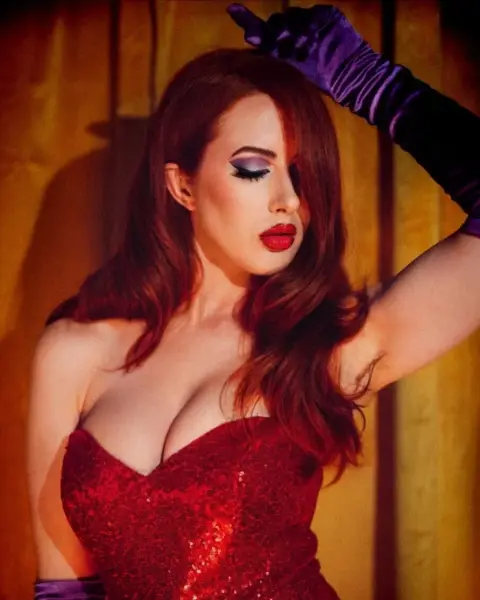
@scarlettshoward · London, England
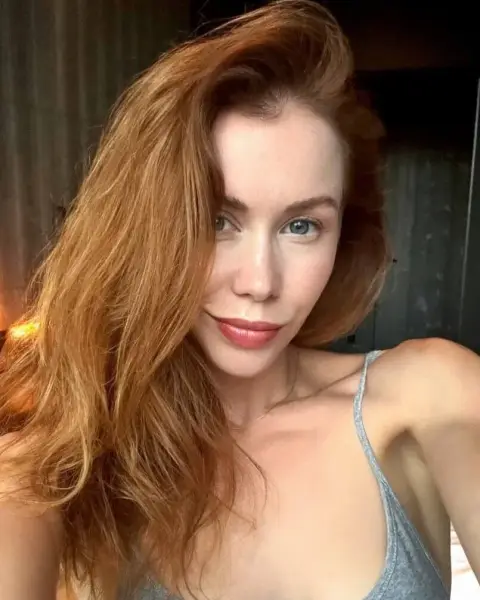
@miabandini69
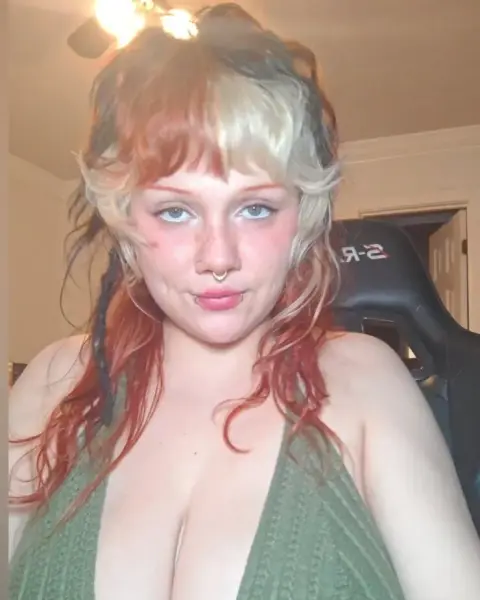
@enigmamgf · Multidimensional🚀
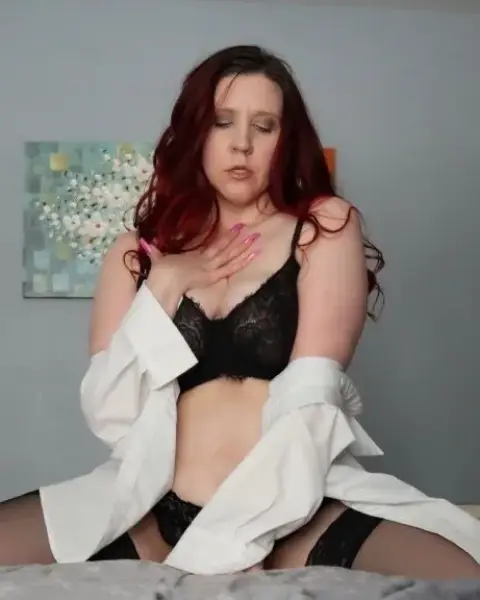
@luvjules82 · United States
Photos of adult creators
Profile photos may be suggestive. Confirm you are 18 or older to show them.
Natural red hair is uncommon, which is part of why it draws so much attention. Fans who look specifically for redheads often say the same thing: the color changes the whole mood of a photo. Freckles, pale skin and green or hazel eyes are familiar in the natural ginger world, but plenty of redhead creators have olive or deep skin tones, dark eyes and red that came from a salon. Both are welcome here, and our filter treats them the same way.
Red hair covers a surprisingly wide spectrum. Knowing the vocabulary helps you read bios and pick photos that match what you like.
| Shade | Typical look | Often paired with |
|---|---|---|
| Strawberry blonde | Pale, warm, almost peach | Soft light, outdoor and travel shoots |
| Copper and ginger | Bright, classic natural red | Freckles, cozy home settings, knitwear |
| Auburn | Deep red brown, subtle in shade | Evening looks, darker wardrobes |
| Cherry and scarlet | Vivid dyed red | Alternative styling, piercings, bold makeup |
| Burgundy | Dark wine tone | Goth aesthetics, lace, candlelit sets |
Creators who dye their hair often change the shade over time, so the photos on their page today may look a little different from older posts.
Red hair turns up across many niches. A lot of creators with vivid dyed red sit close to the goth OnlyFans scene, with dark lipstick, lace and moody lighting. Cosplay is another big overlap, because red wigs and natural red hair suit many popular characters, so our cosplay OnlyFans page is worth a look too. And inked redheads are common enough that pairing the hair filter with the tattoo filter changes the results noticeably.
Start by opening the search with the redhead filter. From there, think about what matters most to you and add one filter at a time rather than five at once, so you can see how each one shapes the list.
When a search gives you too few results, remove the narrowest filter first. Redheads are a smaller group than blondes or brunettes, so stacking many filters can empty the list quickly.
Natural light photo sets are especially common, because creators know warm daylight makes red hair glow. Many feeds include close ups that show off freckles and hair texture, styled lingerie sets, and relaxed at home posts. Video lengths vary from short clips to longer sets. Interaction ranges from creators who chat daily to those who keep the inbox for custom requests.
Prices vary as much as anywhere else on the platform. For a clear sense of what each price band usually gets you, read the cheap OnlyFans guide.
Red hair is unusually sensitive to light, and experienced creators know it. Under cool office lighting copper can look brown, while late afternoon sun turns the same hair almost orange. When you compare redhead profiles, pay attention to how consistent the color looks across posts. Consistency usually means a creator who shoots carefully and cares about presentation, which tends to carry over into the rest of the feed. It also helps you avoid surprises, because a preview shot in golden hour can look quite different from everyday selfies. A few minutes scrolling the public previews gives you a fair sense of what the subscription will feel like.
A good redhead page and a disappointing one can look similar in a single thumbnail. Before paying, confirm these things on the creator's own page:
FanDiscovery is an independent directory of adult creators, built from public pages, with every photo reviewed before it shows. We only link to creators' own pages and never to copied content. Creators can remove or correct a profile at /remove-profile without an account, and the profile is hidden once the email is confirmed. Questions go to [email protected].
@adorable_alice
@billieportervip · England
@naomifoxx0 · Florida
@jennydaviesx · JOIN MY TELEGRAM ACCOU...
@chelle0069 · Canada
@jessirae · Las Vegas, Nevada
@marisappho · ✨ your dreams ✨
@bethanyrose · Don't forget to like m...
@keighlanight1 · Washington
@paidjoy · Argentina
@beayork · Staying Home 🏠
@emmajonesof
Photos of adult creators
Profile photos may be suggestive. Confirm you are 18 or older to show them.
Questions
Yes. The filter covers natural and dyed red, from strawberry blonde to burgundy. If you want only natural redheads, read each bio, as many creators mention it.
Red hair is less common, both natural and dyed, so the pool is smaller. Use fewer filters at once, or sort by popular to see established pages first.
Yes. Combine the redhead hair filter with the tattoo filter. Many creators with vivid red hair also have visible ink and piercings.
No. Each creator sets their own price, and hair color has nothing to do with it. You will find free pages, low priced pages and premium feeds.
A creator can claim and verify their profile, then edit tags, bio and photos in their settings. That keeps the profile accurate after a color change.
Related searches
Monthly or yearly subscription billed by crypto invoice, nothing renews without a new payment. Payments are final, see payments and refunds.