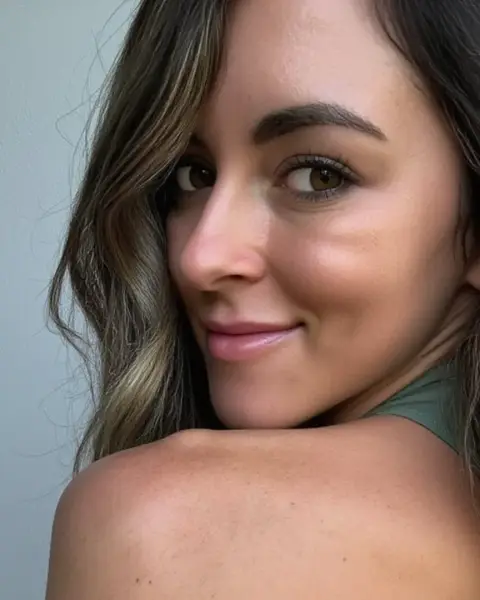
$6.99/mo
12.9M
Bryce Adams
@fitbryceadams · Florida
BrunetteFitness
An OnlyFans near me search shows creators whose self reported location, such as a city, region or country written in their public bio, is close to yours. It never tracks creators and only uses your location if you allow it.
@fitbryceadams · Florida
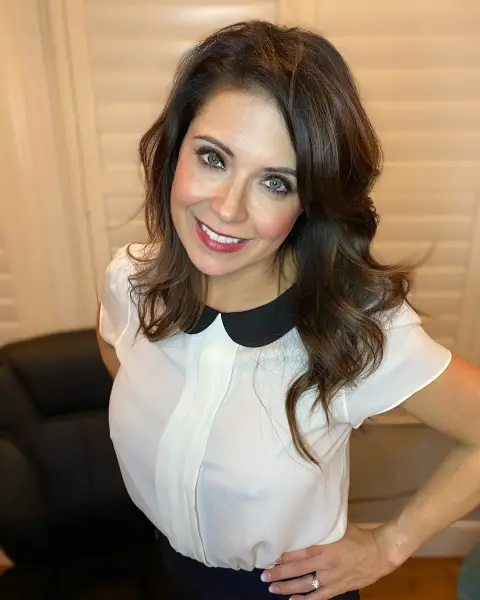
@mrspoindexter · California
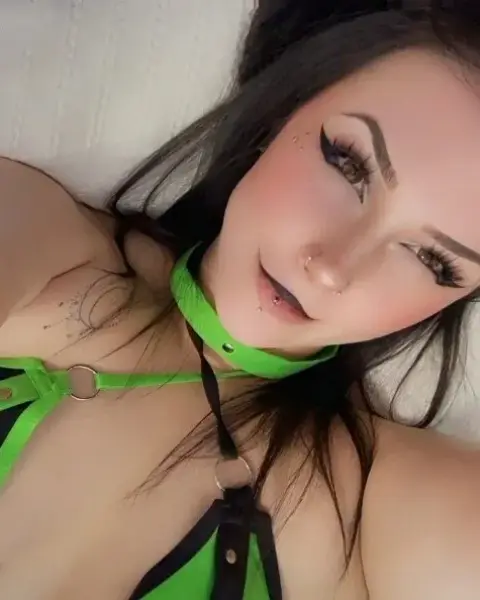
@gh0sty_ghoul · Canada
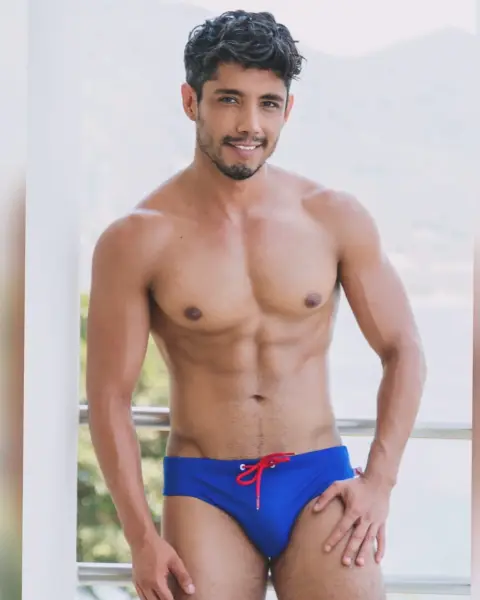
@abrahamshehellco · Mexico
@ominotauro1 · São Paulo, Brasil
@babymatosao · Brasil
@kitten_sophie · UK
@elizarosewatson · England
@ohitsemmarose · Las Vegas
@pantynectar · Texas
@cutepowerlegs · United Kingdom
@isla-moon · Canada
Photos of adult creators
Profile photos may be suggestive. Confirm you are 18 or older to show them.
OnlyFans has a location field on public profiles, and many creators also mention a city, state or country in their bio. Some write a real city, some write a broad region, and some write something playful or nothing at all. Everything our near me search knows about a creator's location comes from that self reported text. We do not infer locations from photos, metadata, IP addresses or any other hidden source.
This matters because an onlyfans search by location is only as accurate as what creators choose to share. A creator listing a large city may live anywhere in its region, may be travelling, or may simply prefer a well known place name. Treat location results as a theme, not as a fact about where someone is.
When you open the near me search, your browser asks whether FanDiscovery may use your location. Three things happen depending on your answer:
Because the comparison runs against self reported places, the result is a rough sort by region, not a map of individuals.
Many fans prefer not to share location at all, and that works fine. Use the country filter for a broad view, or type a city name in the search to match creators who mention it in their bio. You can combine this with other filters, such as a look, a style tag or a price limit, to make the list more personal.
Local themes are popular for a simple reason: shared language, time zone and cultural references make chats feel more natural. A creator in your time zone is more likely to be online when you are, which can matter if messaging is part of what you enjoy.
Browsing by location is free, and a free account unlocks full results on your first three searches. Fan Pass adds alerts, which some fans use to hear when a new creator lists a city or country they follow, without having to repeat the same search every week.
This is the most important part of the page. A near me search exists so fans can enjoy content with a local flavour, not to locate people.
Creators share a location to connect with an audience, and that trust deserves respect. If you notice anything on our site that seems to reveal more than a creator intended, write to [email protected] and we will act on it.
Any creator can hide their profile entirely using the removal form, no account required; it is hidden once the email is confirmed. Verified creators can also edit or remove the location shown on their card through the creator page, so they can share a broad region instead of a city, or nothing at all. We never display a location more precise than what the creator wrote.
Location is one lens among many. If you know the name or handle you want, the OnlyFans lookup by name is quicker. If you want the full set of filters in one place, the OnlyFans finder covers look, price, style and activity together. Fans who would rather browse by category can start from the guide to creator niches.
@kay_leo3 · Nevada, USA
@bigbootybaileyvip · USA
@fitfager · Norway
@fallenthorns · Yorkshire England
@charlieerose3 · UK 🇬🇧
@katrinathicc · United States
@sammythighs · UK
@jessiebuns · England
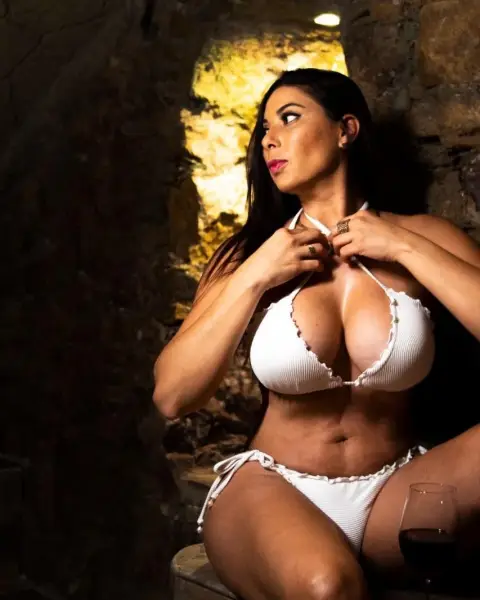
@azucaralejandra · Leon Guanajuato Mexico
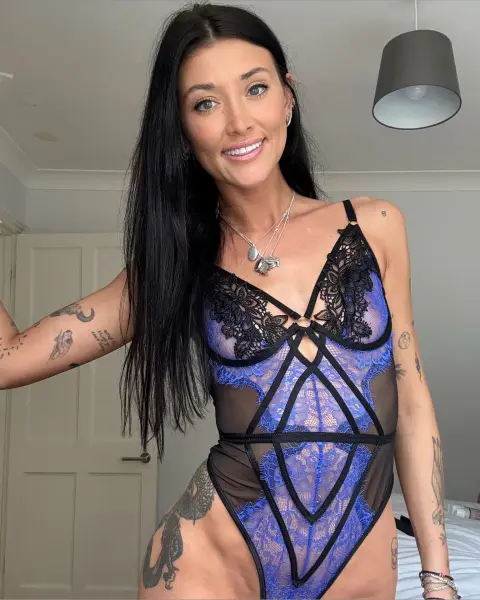
@jozyblows · United Kingdom
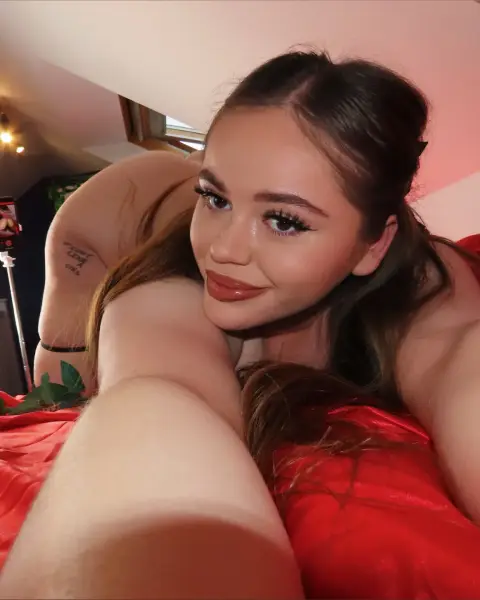
@angelrat · London, England
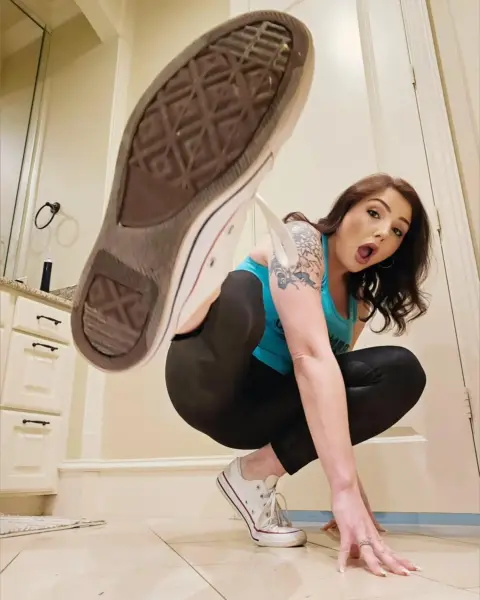
@coywilderxxx · Texas
Photos of adult creators
Profile photos may be suggestive. Confirm you are 18 or older to show them.
Questions
It matches the location you choose to share, or a city and country you select, against the location creators list on their public profile. Results are ordered by approximate distance to that self reported place.
No. If you allow browser location, it is used for that search only and is not saved to your account. You can also search by country or city without sharing your location.
Only as accurate as what creators write. Many list a large city or region, some list a travel destination, and some list nothing. Treat results as a regional theme.
You should assume not. OnlyFans subscriptions are for digital content. Never try to meet, find or approach a creator in person unless they have clearly invited it.
The platform offers very limited discovery and no location filter for fans. An independent tool like FanDiscovery reads the location field and bio text that creators publish themselves.
Yes. Verified creators can edit or remove the location on their card, and any creator can hide their whole profile through the removal form.
Related searches
Monthly or yearly subscription billed by crypto invoice, nothing renews without a new payment. Payments are final, see payments and refunds.