$10/mo
2.6M
alvajay
@alvajay · In your bed ʚ♡ɞ
BlondeCurvy
Blonde OnlyFans creators range from platinum glamour to beachy natural looks, and you can browse them all in one place. Filter by price, body type, style and tattoos to find a page that fits before subscribing.
@alvajay · In your bed ʚ♡ɞ
@lilmermaidxx · Bahamas
@pantynectar · Texas
@cutepowerlegs · United Kingdom
@kay_leo3 · Nevada, USA
@fitfager · Norway
@lems7
@katrinathicc · United States
@sammythighs · UK
@avvaballerina · Austria
@daisea · like the posts you wan...
@lexas_secret_room · I can travel anywhere...
Photos of adult creators
Profile photos may be suggestive. Confirm you are 18 or older to show them.
Blonde is a hair color, not a personality, and the creators who wear it prove that quickly. Scroll through a handful of profiles and you meet completely different moods. There is the polished platinum look with sharp makeup and evening wear. There is the honey blonde with soft waves who shoots in sunlight and linen. There are icy, almost white shades paired with an alternative wardrobe, and there are dark roots grown out on purpose for a relaxed, lived in feel.
That variety matters because the hair color is usually the first thing that catches your eye, and the least useful thing for deciding whether you will enjoy a page. The style around it tells you far more.
A rough map helps when you start browsing:
Most creators mix two or three of these, so think of them as directions rather than boxes.
You can open the search with the blonde filter and then stack more filters on top. A few combinations that work well:
Each creator card shows the subscription price, style tags and a short summary, so you can shortlist without leaving the results.
There is no single formula, but a few patterns show up often. Photo sets are usually the backbone of these feeds, frequently organised around outfits or locations. Many creators post short clips, voice notes and daily selfies to keep the feed lively. Interaction varies widely: some answer every message personally, others keep the inbox mainly for custom requests. Pricing models vary too, from free walls with paid messages to all inclusive feeds.
If you care about predictable spending, compare our guide to OnlyFans pages without PPV with what a given bio says before subscribing.
Price tells you something about how a creator runs her page. Free blonde pages usually work as a preview, with a lively wall and paid messages for longer sets. Pages in the $5 to $15 range often post daily and keep most of the feed open. Premium subscriptions above that tend to come from established creators with large archives and personal replies. None of these is better by default. If you want to try several looks without spending much, start with the free and low priced tiers, then move your money to the one or two creators whose style you keep coming back to. The free OnlyFans accounts guide explains what a zero price page usually includes.
A minute of checking saves money. Look at the date of the latest post and the post count. Read the bio slowly: good creators say how often they post, what is included and what costs extra. Check that the profile photo, banner and preview posts match in style, since mismatched images can signal a copied account. If the bio lists prices for customs, see whether they sound sensible. And remember that popularity is not the same as activity, a page with huge likes and no recent posts is not worth a full price month.
FanDiscovery is an independent directory of adult creators, built from public creator pages, and every photo is reviewed before it appears. Every link goes to the creator's own page. Never send money outside the platform and ignore anyone offering paid content for free.
Creators remain in control of their presence here. Anyone can ask us to remove or correct a profile at /remove-profile without an account, and the profile is hidden once the email is confirmed.
@sexxyjaimie · St. Louis, MO
@alessiaxo
@gabriellelouise · Newcastle Upon Tyne
@dani_dabello · Canberra, Australia
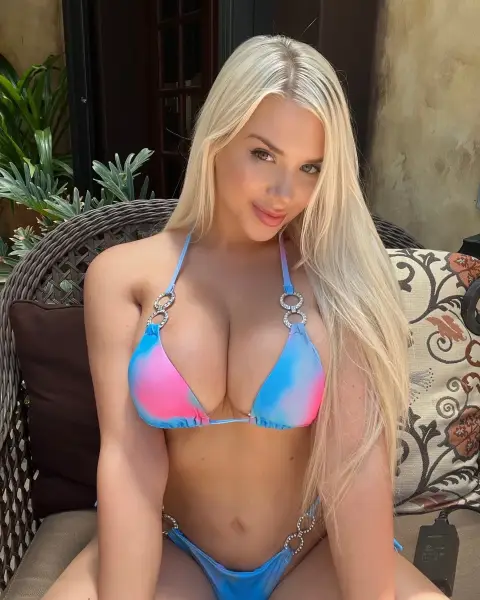
@summerbrookes
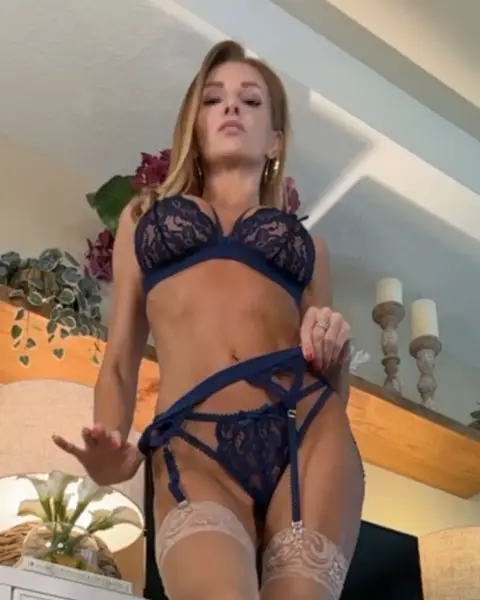
@callieskyenude · USA
@lilbunniexoxo
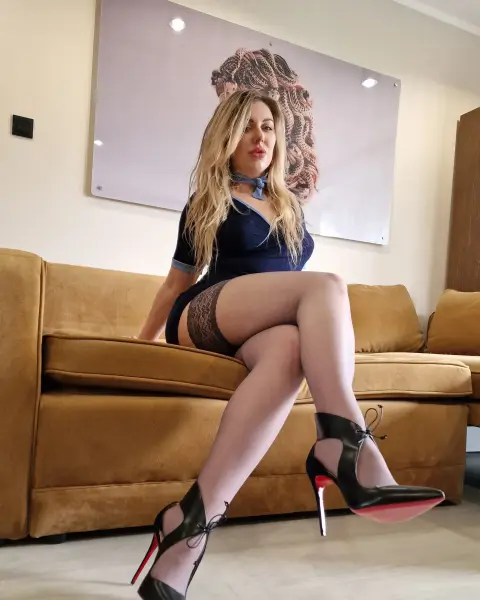
@polishloca · Poland
@glazed_girl · World
@nxtdoorgirlkay
@abbylynnxxx · Michigan
@luna_bunny · UK
Photos of adult creators
Profile photos may be suggestive. Confirm you are 18 or older to show them.
Questions
Use the blonde hair filter in our search and add any other filters you want, such as price, body type or tattoos. Every result links straight to the creator's own page.
Yes. Add the free, under $10 or under $20 price filter to the blonde search. Sorting by cheap puts the lowest priced pages first.
Tags come from public photos and creator descriptions, and creators who claim their profile can edit them. Hair color changes, so the latest photos on the creator's page are the final word.
It depends on the creator. Many lean on photo sets with short clips in between, while others focus on longer videos. The bio usually describes the mix.
Yes. Our redhead OnlyFans page covers copper and auburn creators, and the search also has brunette and black hair filters.
Claim the profile, verify it and edit the tags, bio and price in your settings. Verified creators can also choose a paid listing such as Spotlight for more visibility.
Related searches
Monthly or yearly subscription billed by crypto invoice, nothing renews without a new payment. Payments are final, see payments and refunds.