$10.99/mo
1.1M
DulceMoonVIP
@dulcemoonvip · Your Phone 📱
BlackCosplay
OnlyFans Ebony creators are Black women who run their own subscription pages, with styles from glamorous to alternative. Search them by price, hair, body type, tattoos and style, and check each page before you subscribe.
@dulcemoonvip · Your Phone 📱
@moriahmillss · United States Of Ameri...

@dreddxxx · Los Angeles, CA
@dulcemoonfree · Your Phone 📱
@bigbodybenzvip
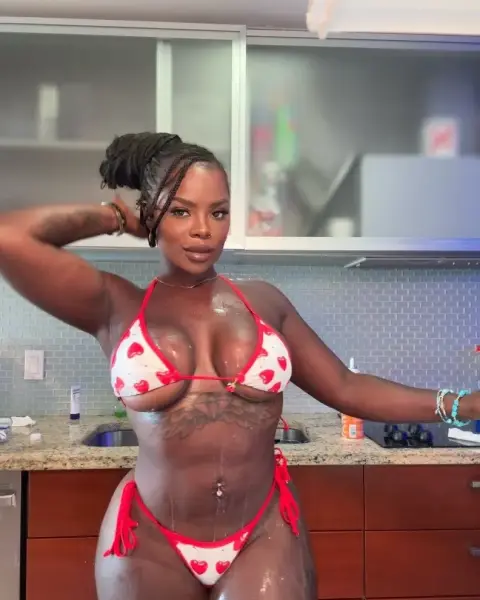
@ohits_chrissyk · NoMEETS

@milandior3 · Online😉
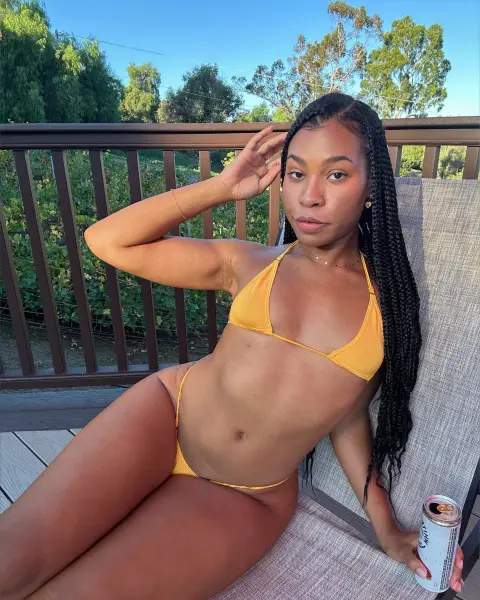
@amibuexo · Heaven
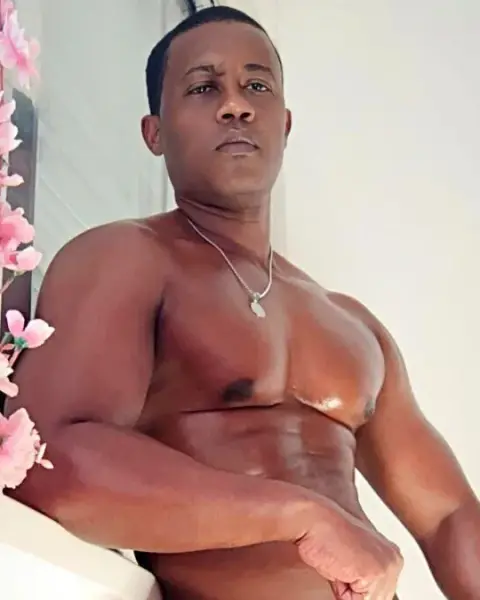
@asuras69
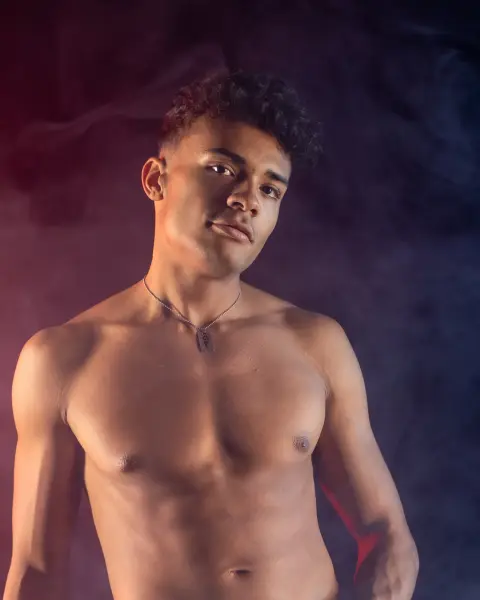
@macetheboy
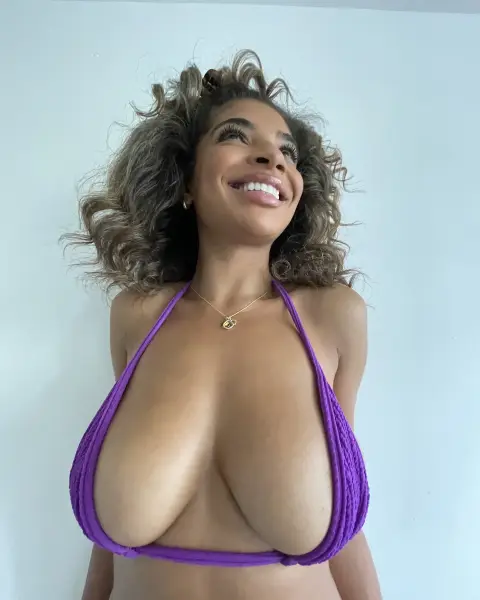
@jaygray2020 · 0.4% of ALL CREATORS
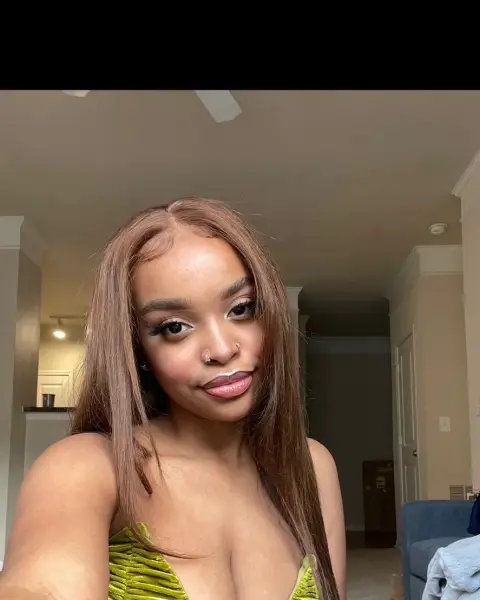
@shesatlantis
Photos of adult creators
Profile photos may be suggestive. Confirm you are 18 or older to show them.
Ebony is a common search term for Black creators, and many creators use it themselves in their bios. Others prefer simply "Black", and some prefer not to be labelled at all. On FanDiscovery the filter is called Black, tags come only from what creators say about themselves, and nobody is tagged based on photos. This page uses both words because fans search with both.
The creators behind these pages work in very different directions. Here are some of the styles that show up most often, with the filters that help you find each one.
Glamour and fashion. Styled hair, from silk presses to braids and wigs, full makeup and curated outfits. These pages tend to post polished photo sets on a steady schedule.
Natural and everyday. Natural curls and coils, minimal makeup, home settings and plenty of conversation. Fans who like a personal, chatty feed often end up here, and the amateur OnlyFans page covers a similar vibe across all creators.
Fitness and athletic. Gym content, outdoor shoots and progress updates alongside sensual sets.
Alternative. Locs dyed in bold colors, piercings, ink and darker styling. Try combining the Black filter with the alt or goth style tag, or see our tattoo OnlyFans page.
Curvy and BBW. Many creators celebrate fuller figures with confidence, and the BBW OnlyFans page explains that category in more depth.
Open the search with the Black creator filter and build from there. Some practical combinations:
Each creator card shows the current price, style tags and a short summary, which makes shortlisting quick.
Feeds vary from creator to creator, but you will regularly see themed photo sets, short clips, hair and outfit transformations, and personal posts that show life beyond the camera. Some creators run active inboxes and reply personally, while others reserve messages for custom requests. Pricing ranges from free walls with paid extras to all inclusive monthly subscriptions. If you want the second kind, the no PPV OnlyFans guide explains how to find it.
Before paying, give each page a quick look:
Those five checks catch most disappointing pages before they cost you anything.
When you subscribe to a page, you usually get access to more than the latest week of posts. Creators who have been active for a year or longer often have a deep archive organised by theme, outfit or hairstyle. That can make a mid priced subscription better value than a cheaper page with only a handful of posts. The post and media counts on the public profile give a quick hint of how much is there. Some creators also pin a post that explains how the archive is arranged, which saves time once you are in. If a page is new, a promo price is a fair way to try it while the catalog grows.
Treat creators as professionals. Messages that lean on racial stereotypes or fetish language are disrespectful and usually go unanswered. Polite fans who engage with a creator's actual work tend to have a far better experience.
FanDiscovery is an independent directory of adult creators built from public pages. Photos are reviewed before they appear, and every link leads to the creator's own page. Creators can remove or correct a profile at /remove-profile with no account needed, and the profile is hidden once the email is confirmed.
Searching is free and a free account unlocks the full result list on your first three searches. Fan Pass adds unlimited results, saved lists and alerts for $9.99 a month or $4.99 a month billed yearly.
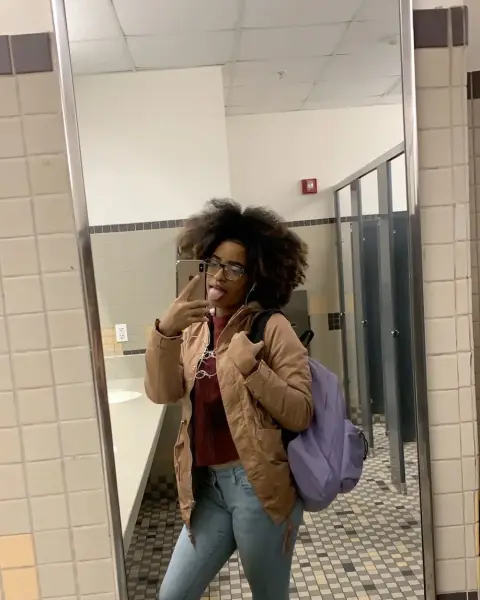
@annathegem
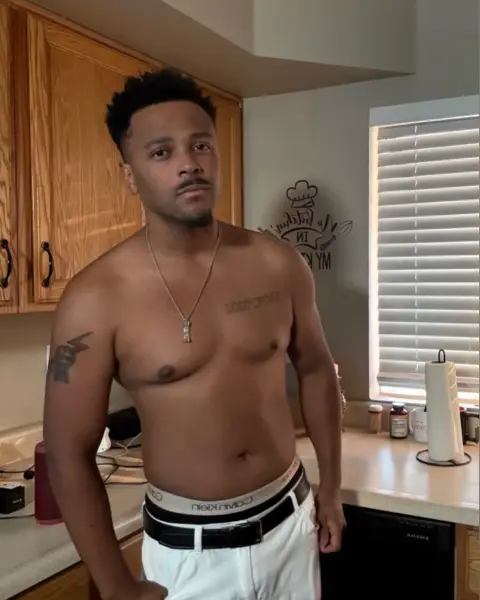
@finnysplayhouse · Las Vegas
@gaktrizzy · Your moms house
@diamondjackson · USA

@naomifoxxxvip · ✨💎✨
@madam___caramel · London
@itsmelolamarie · 📍 1 MILE
@payislamoon
Photos of adult creators
Profile photos may be suggestive. Confirm you are 18 or older to show them.
Questions
It is a widely used search term for Black creators, and some creators use it in their own bios. On FanDiscovery the filter is labelled Black and is based on how creators describe themselves.
Only through their own words: a public bio statement or a choice in their profile settings after claiming. We do not tag anyone based on photos.
Yes. The hair filter works alongside it, which helps because many creators switch between natural hair, wigs and dyed colors.
Yes. Add the free or under $10 price filter and sort by cheap. Read each bio to see what the subscription includes.
She can claim and verify her profile to change tags, bio and photos, or request removal at /remove-profile without an account.
Related searches
Monthly or yearly subscription billed by crypto invoice, nothing renews without a new payment. Payments are final, see payments and refunds.